
After installing PP1, start with the account screens and one activity you understand. This walkthrough covers registration, level progression and the wallet options listed for Indian users. It also explains where bonus conditions matter, so you can read an offer before taking part.
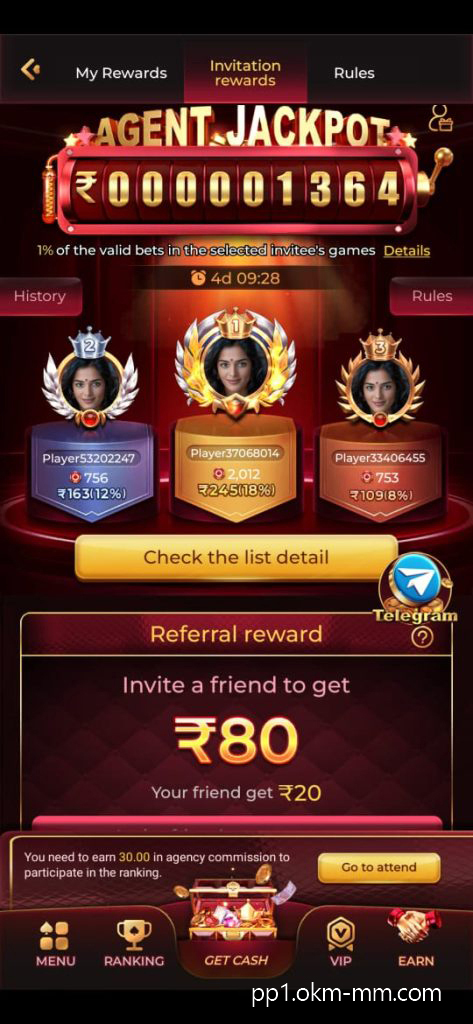
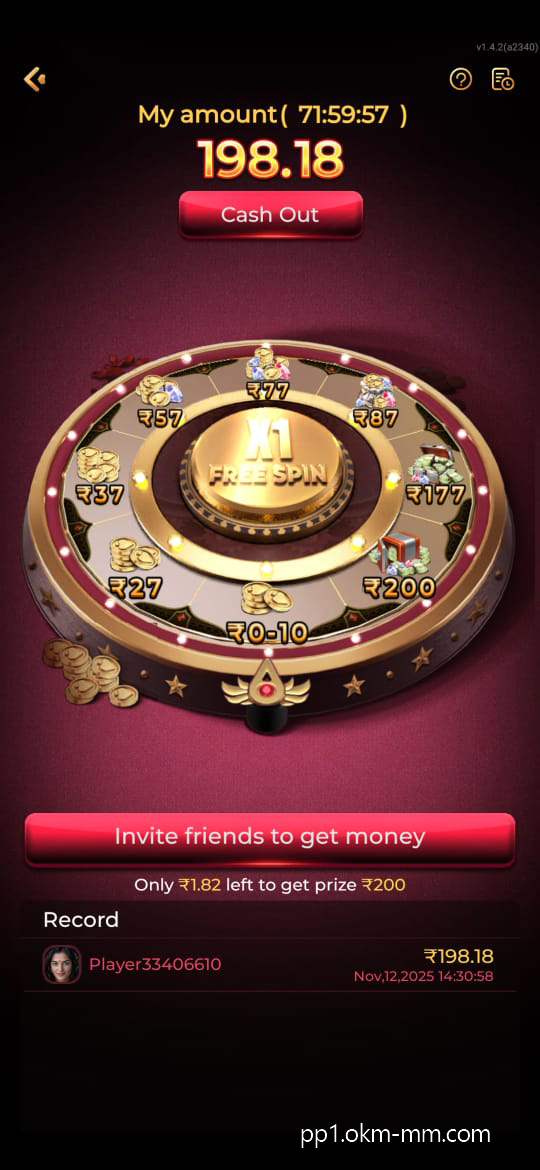

Start with One Game
You do not need to explore every mode at once. Once setup is complete, work through the following sequence:
Launch PP1 and sign in or create an account
Pick a level or game that interests you
Use Play to open the selected activity
Read its prompts and check any qualifying objectives
The layout is described as simple and guided. Find the rules and progress indicators before moving on.
Getting Comfortable with the Controls
To build familiarity over a few sessions:
Read a daily challenge’s requirements before attempting it
Save a power-up for a stage where it helps
Practise timing without rushing into harder levels
Compare modes to find a pace you enjoy
Improvement depends on the activity; additional play does not guarantee larger rewards.
How the Listed Levels Progress
The overview divides progression into three broad stages:
Levels 1–5 introduce movement, controls and basic objectives
Levels 6–10 add more demanding tasks and qualifying bonuses
Level 11 onwards calls for closer attention and planning
Use these as a general guide, since an individual game’s structure may differ.
Installing PP1 on an Android Phone
For a manual APK installation:
Obtain the package from a verified publisher source
Permit installation from that source when prompted
Open the saved file and complete setup
Launch PP1 to access the account screen
Check who supplies the file before granting installation permission.
Checking a Withdrawal Request
The account walkthrough describes this process:
Sign in with your registered details
Find the balance under Wallet or Rewards
Choose Withdraw and specify an eligible amount
Select a listed UPI, Paytm or bank transfer method
Review the details and submit your request
The original download guide estimates a few hours, while the homepage quotes 24–72 hours. Confirm the current estimate in your account.
Reading Feedback with Some Context
Comments on Ease of Use
The supplied overview describes responsive play and simple menus. Those are descriptions of the intended experience; speed can vary with the phone, connection and app build.
What the Ratings Tell You
Positive feedback is mentioned without named platforms or review totals. It cannot establish a verified overall rating.
Claims About Reliability
The source also describes the app as reliable, but provides no independent assessment. Check the publisher and avoid modified packages rather than treating that claim as proof.
Where Bonus Credits May Come From
Activities Listed in the Overview
Qualifying completion of daily objectives
Reaching a required score in a game
Referring a newcomer under an active offer
Assessing Payment Claims
Reports of successful withdrawals are mentioned without supporting records. Read them as unverified accounts, not a promise about your own request.
Managing Invitations
The referral section describes these possibilities:
Credits for registrations that qualify
Access to selected offers or extra features
A dashboard record of credited amounts
Look at eligibility and expiry dates in the offers area before sharing an invitation.
Weighing Up the App’s Format
Potential Attractions
Controls designed to be easy to learn
Goals attached to daily activities
Menus intended for quick navigation
Points to Consider
Bonus offers may require ongoing participation
Some functions depend on an internet connection
Choosing with Clear Expectations
PP1’s format may appeal to adults who prefer casual games with defined objectives. Review the available activities and conditions without expecting a particular return.
Age and Download Reminder
These instructions are intended for readers who are at least 18.
This page does not represent the official PP1 service.
Verify the APK provider and keep your use within limits you are comfortable with.
Table of Contents